
Inside the O.App Experience: A Complete Customer Walkthrough

First Impressions Matter
You can spend thousands of rands marketing your restaurant, but the moment a customer clicks your link, they make a split-second decision on whether to actually buy your food. If the menu takes 10 seconds to load, feels clunky, or requires them to create an account, they're gone.
We built the O.App customer ordering experience with one obsessive goal: Absolute Frictionless Speed. Below, we're going to take you through exactly what your customers see—and why it converts so effectively.
In fact, instead of just showing you static screenshots, try experiencing the app live right here embedded in the phone mockup below:
1. The Hero Header & Location
As soon as the user opens the app, they are greeted by your high-quality hero banner (which you control via the admin dashboard) and the immediate option to toggle between Delivery or Collection. By setting the delivery context at the very top, we eliminate any location-based friction right at the start.
2. Category Snapping
Notice the horizontal scrolling category bar just below the header. Most restaurant menus force users into a death-scroll to find the drinks at the bottom. Our sticky category tags allow customers to tap "Burgers" or "Drinks" and instantly snap the page down to that exact section. It respects the user's precious time.
3. High-Fidelity Menu Cards
Every menu item sits in a beautifully padded, elevated card. We've optimized the layout to champion your food photography. The crisp typography ensures that reading ingredients is effortless on both massive iPhone screens and smaller, older Android devices.
And crucially, adding an item is a single, massive tap target. The "+" button is impossible to miss.

4. The Omnipresent Cart
As the customer adds items to their order, a persistent "View Cart" modal anchors itself to the bottom of the screen. No matter how deep they scroll down to look at your milkshakes, their current subtotal and the checkout button follow them. They never have to hunt for the cart icon.
5. One-Tap Checkout
When they finally hit the checkout screen, there are no mandatory 12-field sign-up forms. We use localized trust signals instantly. If they're on a mobile device, they can pay in a single tap via SnapScan or enter their card details into our seamlessly integrated Yoco payment overlay.
6. The Logged-In Experience
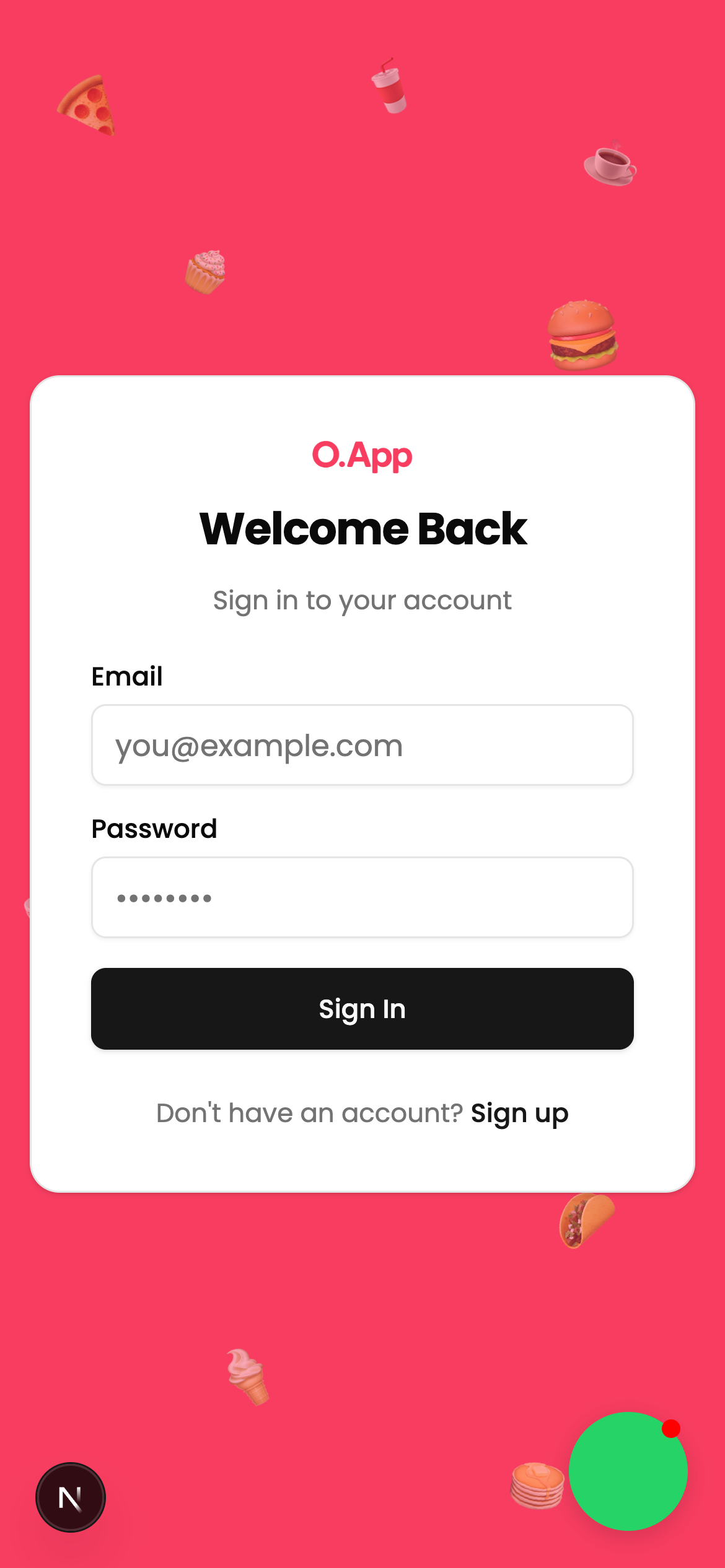
When your customers create an account to order, they also unlock a native personalized dashboard where they can track active orders, re-order their past favorites with a single tap, and manage their details. Here's a glimpse of the logged-in homepage state:
The Verdict
By stripping away all unnecessary friction, removing the massive 30% aggregator commission, and presenting your food in a gorgeous, app-like native environment, O.App radically increases your conversions and leaves your customers craving the next order.